Clone App

Android 16 ready · No root needed

Two accounts.
One phone.

Clone your favourite apps and games and run every account side by side — each with its own separate, private data. No root, no second phone.

  • Free to use
  • No root required
  • 100 languages
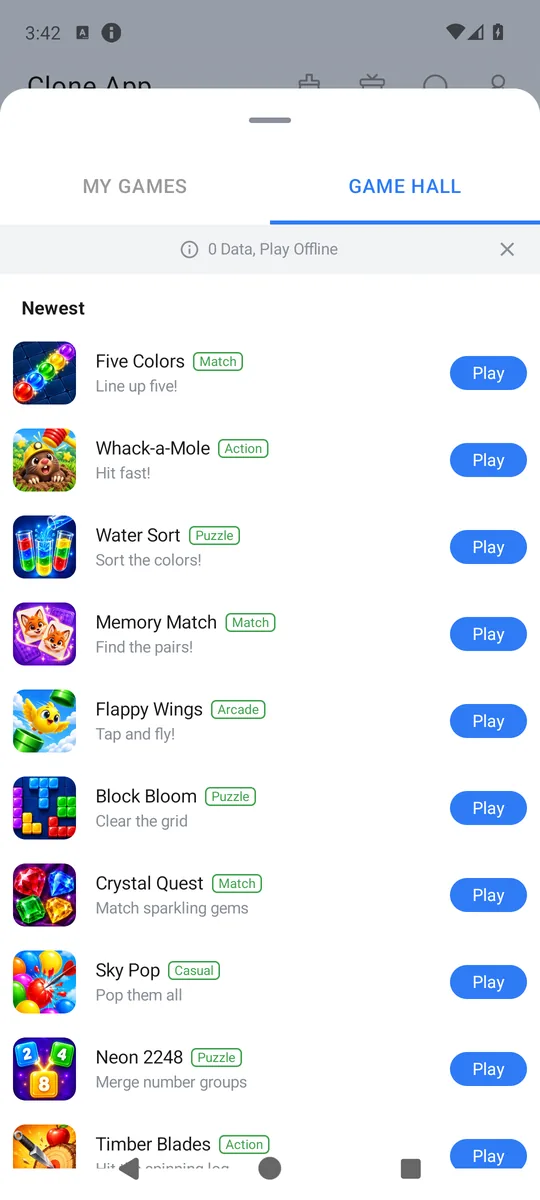
Clone App offline game hall
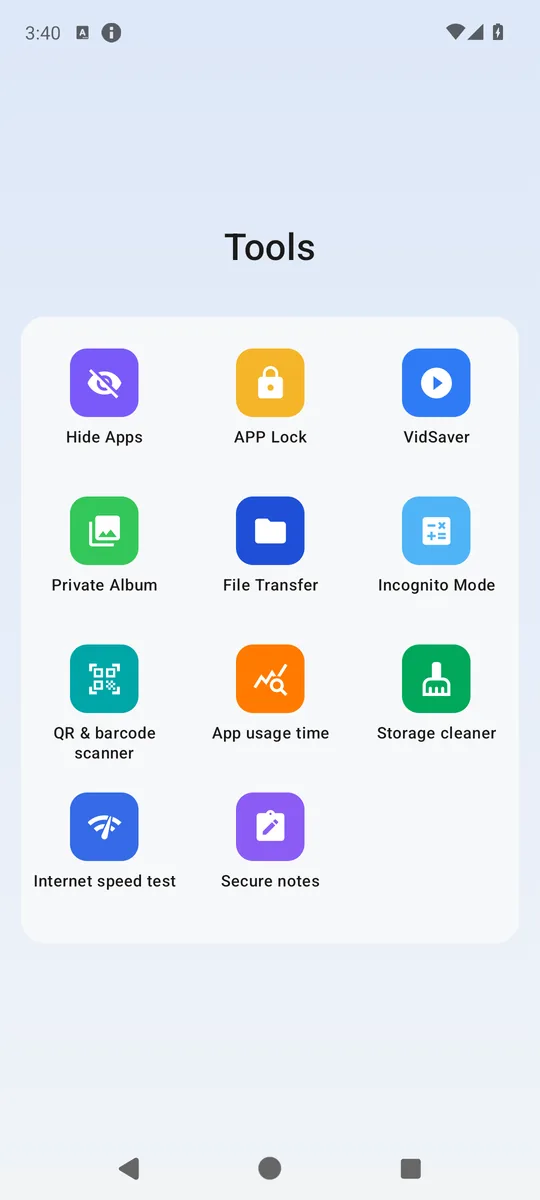
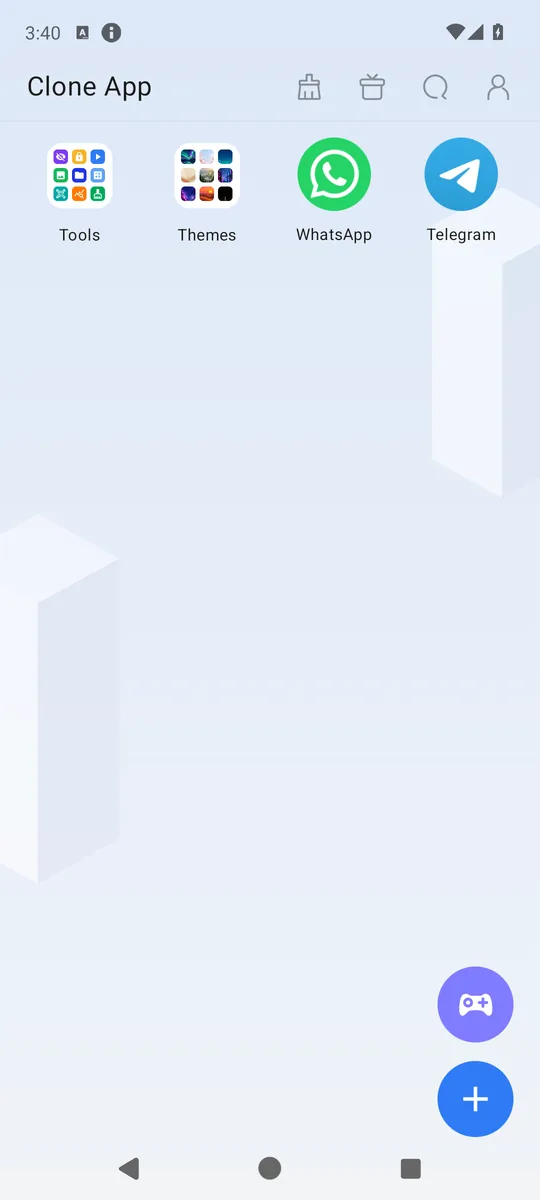
Clone App home screen with cloned messaging apps and the tools folder
Account 1Personal
Account 2Work
App lockOn
60offline games
60themes
10privacy & utility tools
100languages

Features

Everything you need for a second account

Clone App is a complete multi-account toolkit with privacy built in from the start.

Run multiple accounts side by side

Clone messaging, social and game apps and keep personal and work accounts on one phone. Every clone runs in its own isolated space, so logins, chats and files never mix.

  • Separate data for every clone
  • Custom name and icon for each clone
  • Long-press and drag to reorder your clones
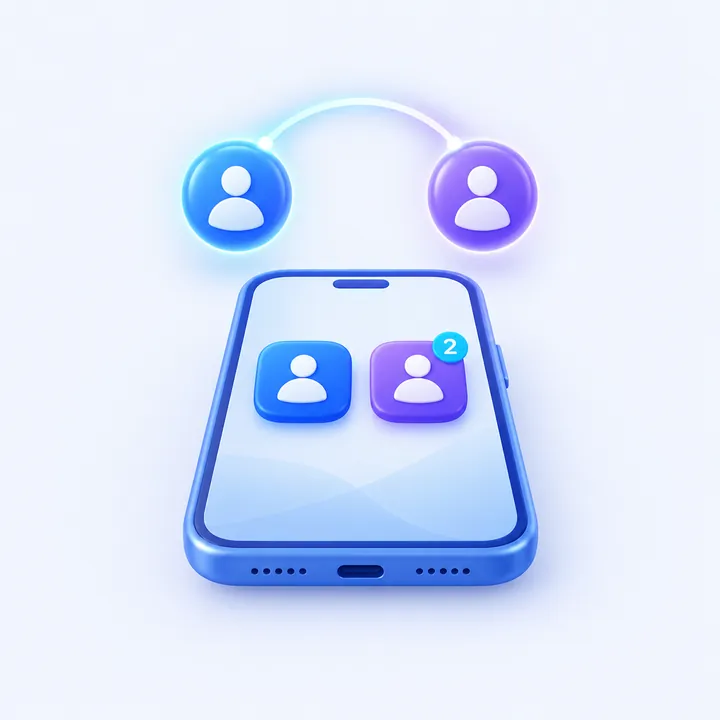
Two account avatars switching between a blue and a violet app clone on a smartphone

Privacy that stays on your device

Protect Clone App and your private album with a PIN, fingerprint or face recognition. Move photos and videos into private storage with Android confirmation, hide apps and block screen capture for regular accounts.

  • PIN, fingerprint and face unlock
  • Private album with secure gallery move
  • Hidden apps and screen-capture protection
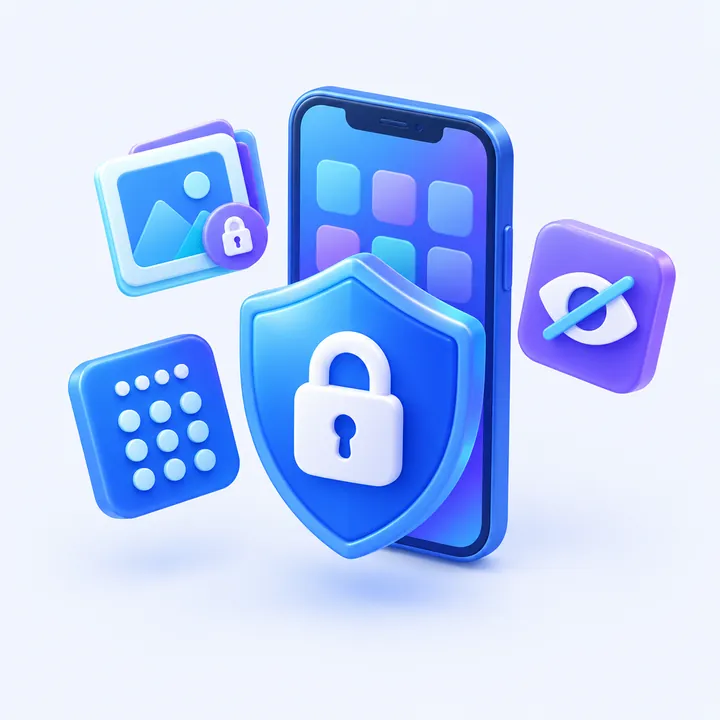
Shield with a padlock, private album, PIN pad and hidden app icons around a phone

A game centre in your pocket

60 original offline games with sound, effects and hundreds of levels — puzzles, arcade, sports and classics. No internet needed.

  • Block puzzle, water sort, jewels, 2048
  • Works completely offline
  • Clone your own games too
Purple game controller with puzzle blocks, a balloon, a star and a jewel above a phone

Handy tools, built right in

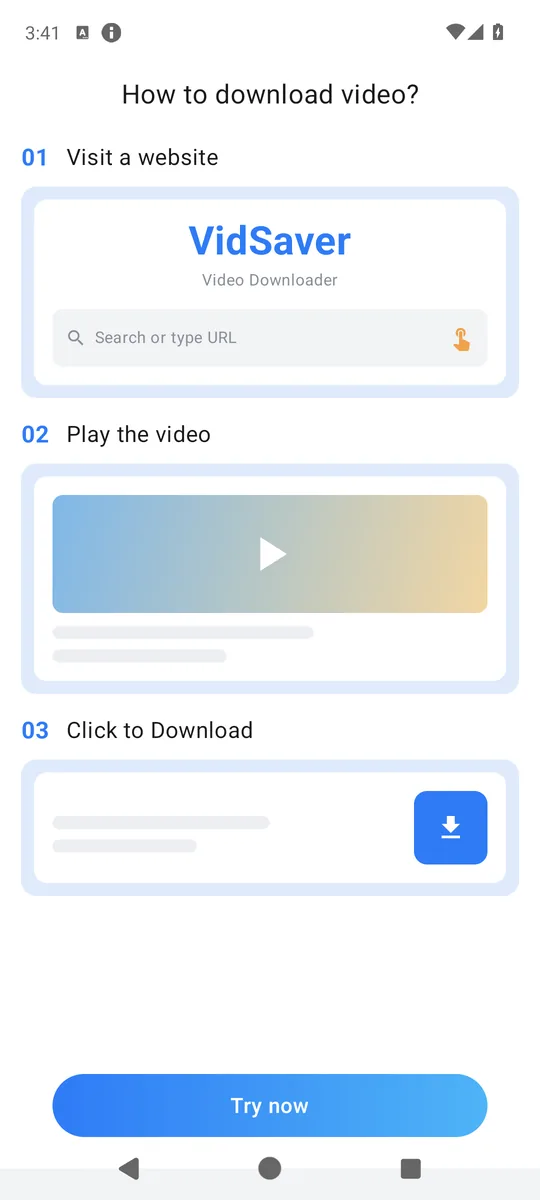
Use 10 privacy and utility tools: hide apps, protect Clone App, move media to a private album, transfer files, scan QR codes, track usage, clean storage, test speed and save videos.

  • Biometric app lock and private album
  • QR scanner, usage time and file transfer
  • Speed test, storage cleaner and video saver
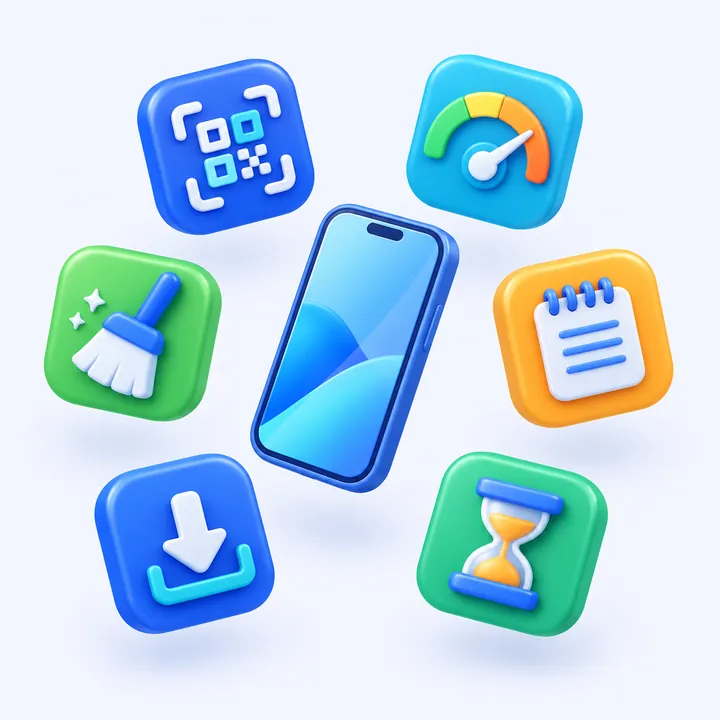
Utility icons for QR scanning, speed test, cleaner, notes, downloads and usage time around a phone

And a lot more

Custom names & icons

Give every clone its own label and icon so you always know which account you are opening.

Drag to reorder

Long-press any clone and drag it; the other icons slide aside smoothly.

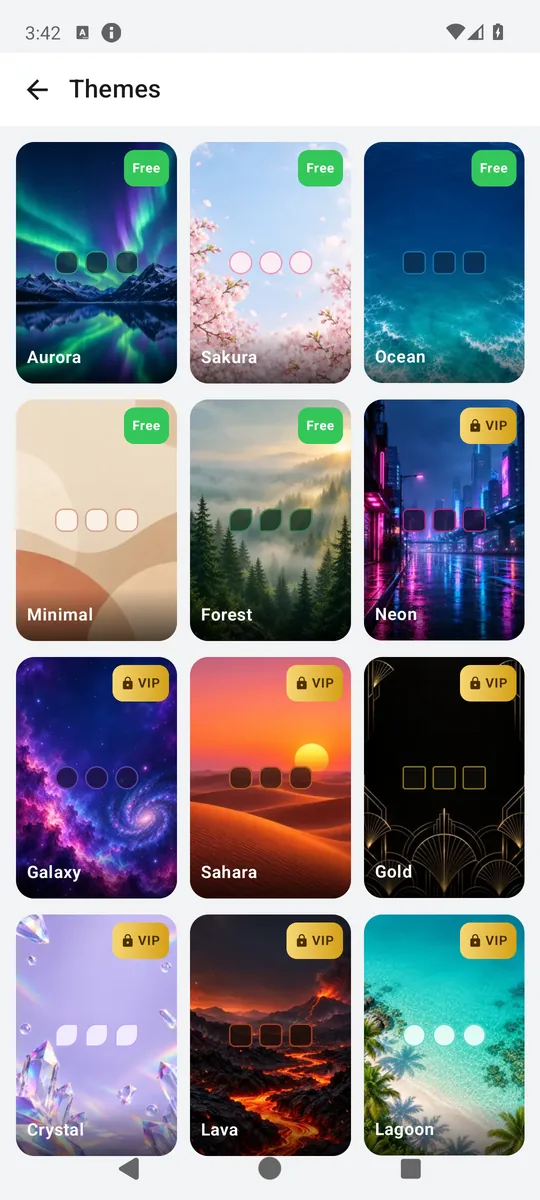
60 themes

Choose from 60 themes, including premium 3D designs with parallax effects and an optional themed launcher.

Points & rewards

Daily check-in, tasks and rewards that sync to your account.

100 languages

Fully translated interface that follows your phone's language.

Play-safe payments

VIP purchases are handled securely by Google Play Billing.

Inside the app

See it in action

A clean, fast interface designed for one-hand use.

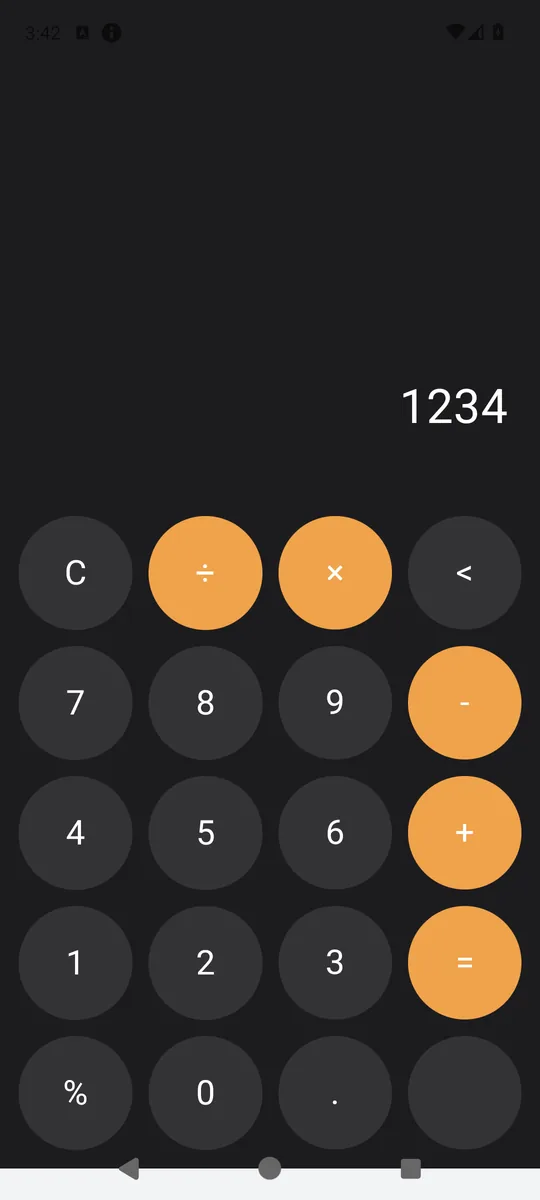
Your clones, one tap away60 offline games60 themes10 privacy and utility toolsIncognito calculatorSave videos

Your clones, one tap awayEvery cloned app sits on a clean home screen with its own badge, name and icon.

How it works

Ready in three taps

  1. 01

    Install Clone App

    Download it free from Google Play and open it.

  2. 02

    Tap + and pick an app

    Choose any supported app or game installed on your phone.

  3. 03

    Sign in to your second account

    Open the clone from the home screen and use it independently.

Privacy first

Your data stays on your phone

Clone App is built so that your accounts, chats and files remain yours. Nothing created inside a clone is uploaded to our servers.

Read the privacy policy

Isolated storage

Each clone keeps its data in Clone App's private storage on your device.

Biometric app lock

Protect Clone App and the private album with a PIN, fingerprint or face recognition. Android handles biometric data securely.

No snooping

We never read or upload your chats, photos or files.

No root, no SMS access

Works on regular Android phones without root or SMS permissions.

VIP

Go further with VIP

Clone App is free. VIP removes ads and unlocks premium features — choose a subscription or a one-time plan in the app.

Prices are shown in your local currency in the app. Subscriptions can be cancelled anytime in Google Play.

GET IT ONGoogle Play
FeatureFreeVIP
Clone apps and games
60-game offline centre
60 themes, including premium 3DSelected
Ad-free experience
Unlimited clones of the same app
Custom icon colours and home theme
Bubble mode

FAQ

Frequently asked questions

Still have questions?

Write to us and our team will get back to you.

ytsoftbilisim@gmail.com
What is Clone App?

Clone App lets you run two or more copies of the same app or game on one Android phone. Each copy has its own separate data, so you can use a personal and a work account at the same time.

Do I need root?

No. Clone App uses an app virtualization engine and works on regular, unrooted Android phones.

Is my data safe?

Data created inside clones stays in Clone App's private storage on your device. We do not read or upload your chats, photos or files. See our privacy policy for details.

Why do I have to type SMS verification codes myself?

To respect Google Play's privacy rules Clone App does not request SMS permissions, so clones cannot read codes automatically. Simply type the code you receive.

Is Clone App free?

Yes. The core cloning features are free with ads. VIP is optional and removes ads and adds premium features.

Which devices are supported?

Clone App supports modern Android phones and compatible tablets up to Android 16. Landscape mode is available for games and supported apps. Some apps with strict security checks may not run as a clone.

How do I delete my account?

In the app open User Center → Delete account, or use our account deletion page.

Your second account is one tap away

Download Clone App for free and keep your accounts neatly separated.

GET IT ONGoogle Play
QR · Google PlayScan to open on Google Play